Blog · AI
Claude Code & OpenClaw: Why Use a Separate Mac mini?
Why are people using separate Mac minis for AI agents? Find out real user reasons, alternatives, and when a dedicated Mac is actually worth considering.
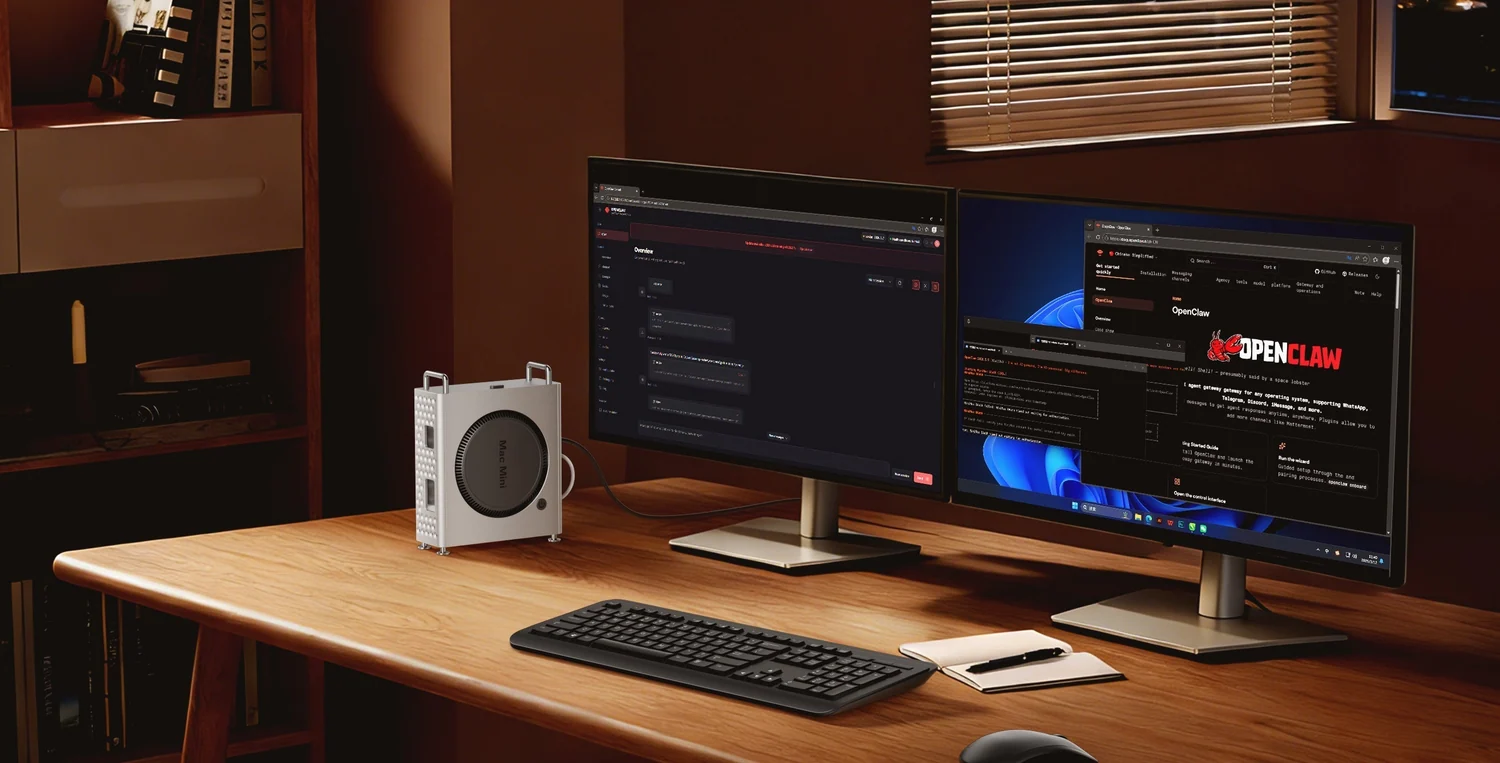
AI agents such as OpenClaw and Claude Code have made the Mac mini a popular choice for people experimenting with AI automation.
But here’s a question worth asking:
Why use a separate Mac mini when you already have a laptop or desktop computer?
This question has also appeared in Reddit discussions, where many users shared different opinions about running AI agents on dedicated machines.
Some would prefer to have a computer that stays online while they’re away. Some others want to keep AI tools separate from their personal files. And some believe that an existing PC or a cheaper Linux server is good enough and can do exactly the same job.
So, is a dedicated Mac mini actually necessary?
The Real Questions Isn't Always About Performance
Once someone said "Oh I'm running AI on Mac mini.", they might just assume that they need a powerful Apple Silicon Chip. But, not every AI agent performs heavy AI processing on the computer itself. As an example, when Claude Code connects to a cloud-hosted Claude model, the model's main AI processing happens on the provider's infrastructure. Your Mac actually handles the local tasks, such as accessing project files, running commands, and using development tools. Meaning a faster Mac doesn't automatically make the cloud AI model generate answers faster. So why are there many users that still want to have a separate machine? The main reason is how they want their AI agent to operate, rather than how powerful the computer is.
3 Main Reasons People Want a Separate AI Agent Machine
To keep AI Tasks Running While They're Away
Imagine when someone uses an AI agent to monitor the project files, organise reports, or perform scheduled tasks, if everything runs on their personal laptop, the work might stop when the laptop goes to sleep, shut down, or especially when it loses connectivity.
So, a separate computer can be configured to stay available for scheduled tasks and remote access.
As an example, when a small business owner might want to check an AI-assisted workflow from their phone while travelling. Instead of leaving a personal laptop open at home with a lot of risks to worry about, they could use a separate machine designed for ongoing tasks.
However, this doesn’t necessarily require a Mac mini. A Linux server or another suitable computer may also handle these workloads.
To keep AI Work Separately from Personal Files
AI agents can do more than just answering questions. They may read files, run commands, access applications, and interact with online services depending on their permissions granted to them.
Here’s the concern raised from this: what happens if an agent makes a mistake?
So, some users prefer to run agents on a separate machine away from their everyday personal files.
This can help separate working environments, but using a separate Mac doesn’t automatically make an AI agent secure as you still need suitable access permissions, account protection, backups, and restrictions on what the agent can do especially for business handling customer information.
To Access macOS-Specific Applications
This is where choosing a Mac instead of a normal Linux server can make a real difference. Because there are some workflows that depend on applications or features available only on macOS.
For example:
- Using approved macOS applications as part of an automation process.
- Working with Apple development tools (Xcode).
- Testing software that specifically needs a macOS environment
- Running workflows that depend on compatible Apple-platform integrations.
In any of the cases or more, a Mac mini may provide capabilities that a standard Linux server cannot directly replace.
A Real Case from a Small Agency Owner
In an October 2026 Reddit discussion, a small agency owner described buying an M6 Mac mini to create a separate environment for AI-assisted work.
The agency handled websites, social media, and automation.
The owner wanted to run several agents for different tasks, experiment with a local AI model, and keep client information separate from cloud AI tools.
Interestingly, the biggest concerns were not simply the CPU speed. It was about managing multiple tasks, controlling access to customer data, and deciding how much work an AI agent should be allowed to perform.
Therefore, something important for businesses, choosing hardware is only one part of building a useful AI automation system. The company also needs to consider software, security, operating costs, and who is responsible when something goes wrong.
The original discussion: Mac mini M6 as a Headless Agent Machine (Reddit)
Where Does Cloud Mac Rental Fit?
People often choose to rent a cloud Mac mini when they like the idea of having a separate Mac mini but don’t want to purchase another computer or operate it at home.
A remotely hosted Mac can provide a separate macOS environment for compatible automation, development, and other ongoing workloads.
This is typically useful to remote workers or teams that need access to Apple hardware without managing the physical computer themselves.
To keep AI Tasks Running While They're Away
Imagine when someone uses an AI agent to monitor the project files, organise reports, or perform scheduled tasks, if everything runs on their personal laptop, the work might stop when the laptop goes to sleep, shut down, or especially when it loses connectivity.
So, a separate computer can be configured to stay available for scheduled tasks and remote access.
As an example, when a small business owner might want to check an AI-assisted workflow from their phone while travelling. Instead of leaving a personal laptop open at home with a lot of risks to worry about, they could use a separate machine designed for ongoing tasks.
However, this doesn’t necessarily require a Mac mini. A Linux server or another suitable computer may also handle these workloads.
To keep AI Work Separately from Personal Files
AI agents can do more than just answering questions. They may read files, run commands, access applications, and interact with online services depending on their permissions granted to them.
Here’s the concern raised from this: what happens if an agent makes a mistake?
So, some users prefer to run agents on a separate machine away from their everyday personal files.
This can help separate working environments, but using a separate Mac doesn’t automatically make an AI agent secure as you still need suitable access permissions, account protection, backups, and restrictions on what the agent can do especially for business handling customer information.
To Access macOS-Specific Applications
This is where choosing a Mac instead of a normal Linux server can make a real difference. Because there are some workflows that depend on applications or features available only on macOS.
For example:
- Using approved macOS applications as part of an automation process.
- Working with Apple development tools (Xcode).
- Testing software that specifically needs a macOS environment
- Running workflows that depend on compatible Apple-platform integrations.
In any of the cases or more, a Mac mini may provide capabilities that a standard Linux server cannot directly replace.